Shree
Choosing camera resolution
2MP (1080p) suits general coverage. 4MP–5MP adds detail at entrances and counters. 4K/8MP helps on wide areas where you zoom into recordings, but needs more storage and a capable recorder.

Your Eyes When You’re Away
CP Plus, Hikvision, Dahua and all other brands — sales, neat installation, mobile live view, after-warranty service and AMC across all of Gujarat.
Type only the recorder username and password. The Shree Infotech app finds your DVR / NVR on your Wi-Fi, detects the brand, ports and cameras by itself and shows them live. Get motion alerts, play back recordings and save any part as a video with sound.
Works on Android 7.0+ and Windows 10 / 11 (same My CCTV in both apps, version 8.6.0). Your recorder password stays encrypted on your own device.
Hikvision, Prama, HiLook, CP Plus, Dahua, Imou, Uniview, XMEye / generic DVRs, TVT and any ONVIF camera or recorder. You can also type a custom RTSP link for any other brand.
Open CCTV in the app, tap Add a DVR / NVR and type the recorder username and password, then tap Connect. The app searches your Wi-Fi, finds the recorder, detects its brand, ports and cameras, saves it and opens live view. If you know the IP address you can type it to make it faster.
Yes. Pick a camera, choose the date and time and the app plays the recording from the DVR / NVR hard disk. Tap Save a video clip, choose from and to, and it is saved on your phone or PC as an MP4 with audio. Playback works with Hikvision, CP Plus / Dahua and Uniview recorders.
On the same Wi-Fi it works straight away. To watch from anywhere, the recorder needs a static IP or DDNS with port forwarding - Shree Infotech can set this up for you during installation or AMC visits.
The password stays only on your phone or PC, saved encrypted. The app talks directly to your own recorder and never sends your video or password to our website.
Answer a few taps. Our AI suggests the right option, then send it to us on WhatsApp in one click.
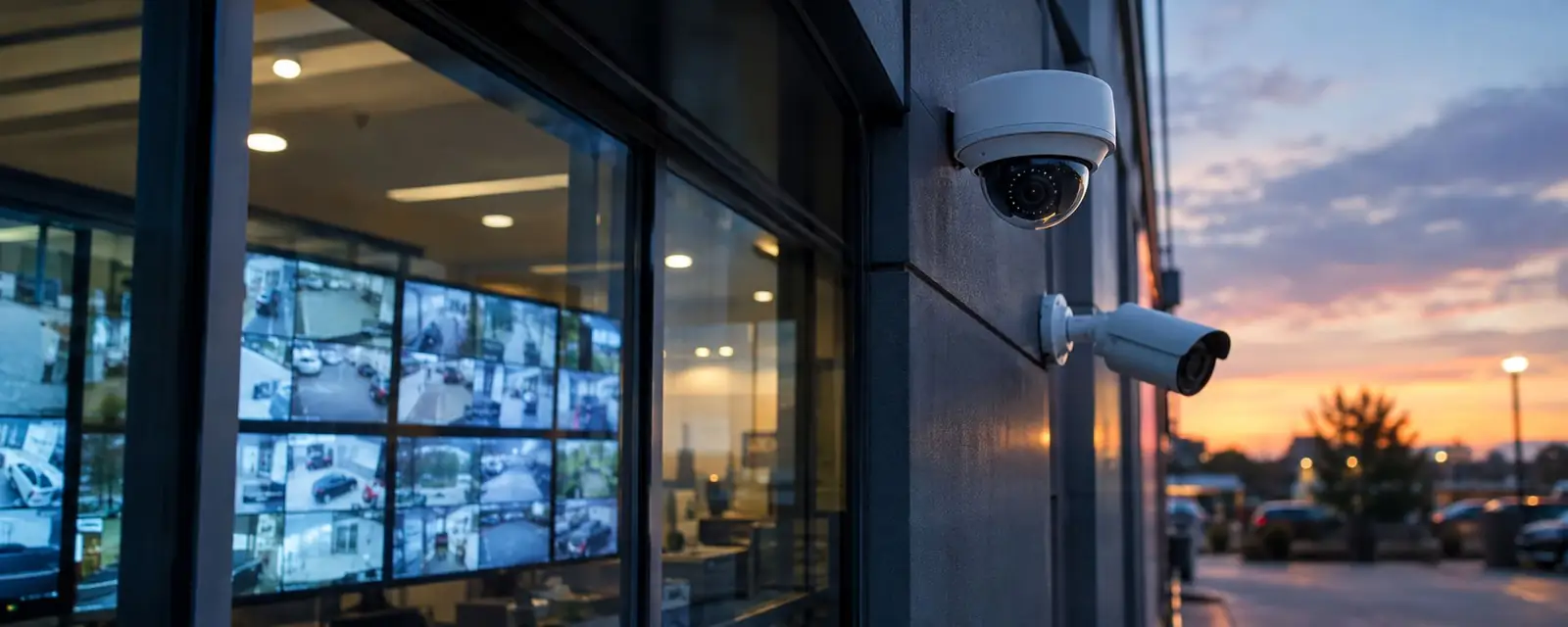
Clear day and night view with dome, bullet and Wi-Fi cameras.
Watch live and playback from anywhere on your phone.
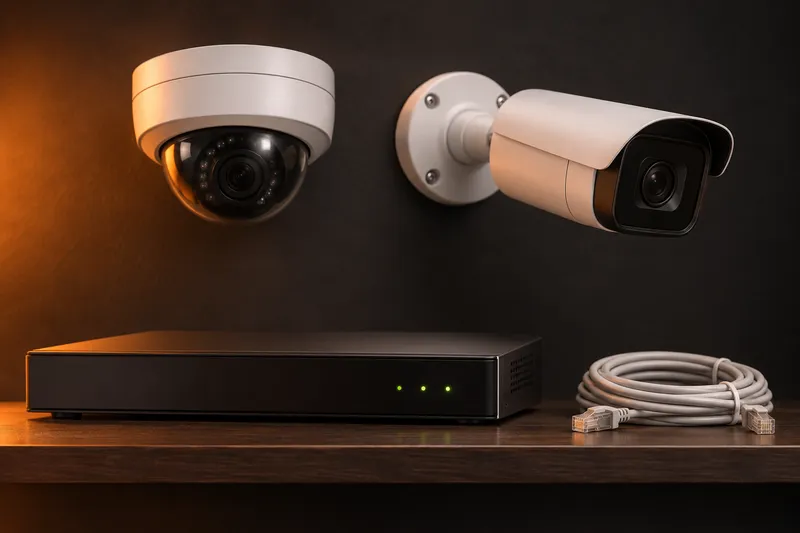
Neat wiring, DVR/NVR, hard disk and power setup.
After-warranty repair and yearly maintenance plans.
Complete security solutions with authorized sales, neat wiring, DVR/NVR configuration, mobile phone live view pairing, and site installation for Shops, Offices, Showrooms, Factories, Warehouses & Residences across Ahmedabad, Gandhinagar, Vadodara, Rajkot, Surat, and all Gujarat cities.
Smart CCTV protection for your shop, home & business — 24 hours, 7 days, all over Gujarat.
See Everything.
Miss Nothing.
Protect What
Matters Most.
Day or Night,
We’re Watching.
Live View on
Your Mobile.
CCTV equipment packages cover camera units, DVR/NVR, power supply & storage. Cabling, conduits, custom fittings, and site installation charges are extra as per on-site measurement and location quotation.
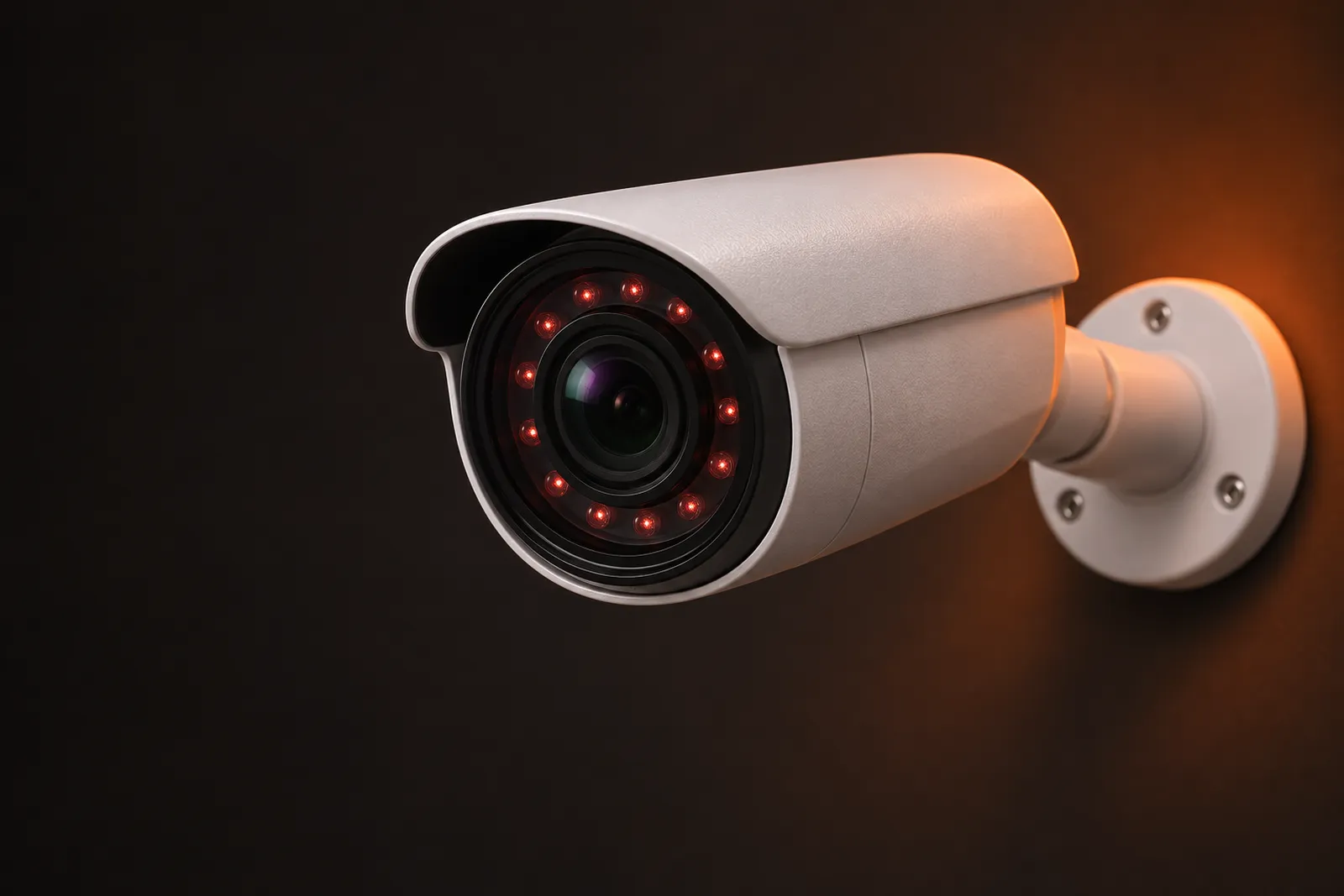
2MP / 3MP / 5MP Weatherproof bullet cameras & indoor dome cameras from CP Plus, Hikvision, Dahua and all other brands.
Full color footage in darkness with warm LED lighting and low-light sensors for night security.
360-degree rotating wireless cameras with built-in two-way voice speaker, siren alarm, and motion alerts.
End-to-end cable routing, DVR/NVR setup, TV display configuration, live mobile app setup, and repair service.
HD & IP cameras that watch, detect and alert you on your phone — installed neatly by Shree Infotech all over Gujarat.
Network cameras powered over one LAN cable (PoE). Sharper 4MP–8MP (4K) video, easy expansion and clean single-cable wiring.
For farms, construction sites and godowns without Wi-Fi or steady power. Works on a 4G SIM card and solar panel with battery backup.
Supported cameras can tell people and vehicles apart, watch a line or zone, and send fewer false alerts from trees, rain or animals.
4, 8, 16 and 32-channel recorders with surveillance-grade hard disks (1 TB to 8 TB) built for 24/7 recording, plus TV/monitor display setup.
Call, WhatsApp or use the planner.
We check entrances, blind spots & cable routes.
Cameras, recorder, HDD & cabling listed.
Conduit / casing wiring and camera angles.
Live view app, alerts and playback.
We show you how to use it, plus service & AMC.
| Feature | HD Analog + DVR | IP PoE + NVR | Wi-Fi Smart Camera | 4G / Solar |
|---|---|---|---|---|
| Best for | Shops, homes, budget setups | Offices, showrooms, factories | Single room, home, small shop | Farms, sites, no internet |
| Picture quality | 2MP – 5MP | 4MP – 8MP (4K) | 2MP – 5MP | 2MP – 4MP |
| Wiring | Coaxial + power cable | One LAN cable (PoE) | Power only | Solar panel / power |
| Recording | DVR hard disk | NVR hard disk | Memory card / cloud | Memory card / cloud |
| Mobile live view | Yes | Yes | Yes | Yes (4G data) |
| Expandable | Up to recorder channels | Very easy | One camera at a time | One camera at a time |
2–6 cameras • gate, parking, entrance
3–8 cameras • counter, cash, door
4–16 cameras • reception, cabins, server room
8–32 cameras • gates, loading, boundary
Corridors, classrooms, entry & exit
Main gate, lifts, parking, compound
Tip: camera angle, lens size and lighting matter as much as megapixels.
Estimate only — real days depend on bitrate, frame rate, motion and recorder settings.
Yes. We set up the brand’s mobile app so you can see live video, get alerts and play back recordings from anywhere with internet at the site.
Only if the system has backup power. A UPS or inverter connection keeps the cameras and recorder running; we size it for your camera count.
No. Wired DVR/NVR systems record to the hard disk without internet. Internet is only needed for mobile live view and alerts.
Usually yes, if your recorder has free channels and is compatible. Share your DVR/NVR model and we will check.
Dome cameras suit indoor ceilings and look discreet. Bullet cameras suit outdoor walls and long distances and are weatherproof.
Yes, we provide CCTV installation and service all over Gujarat, including Gandhinagar, Vadodara, Rajkot and Surat.
Looking for another CCTV brand? We supply and install it too — just ask.
Select your camera requirements below and get a direct quotation sent to WhatsApp.
*Installation & cabling charges calculated based on site distance across Gujarat.
| Camera | Best Place | Good to Know |
|---|---|---|
| Dome | Indoors, shops, offices | Neat look, hard to see its direction |
| Bullet | Outdoors, gates, parking | Long range, weather-proof models |
| Wi-Fi / Smart | Homes, small rooms | Easy setup, live view on mobile |
| PTZ | Large open areas | Moves and zooms for wide coverage |
We install, set up and service CCTV cameras in homes, shops, offices, factories and societies across Gujarat — with mobile live view, neat wiring and after-sales support.
What modern AI-enabled CCTV can do for your shop, home or factory — ask us which cameras support which feature.
Radar-style scanning flags people and movement so you review events, not hours of footage.
Capture vehicles entering parking, gates and godowns with clear day and night footage.
Low-light sensors and warm LEDs for bright, full-colour video after dark.
Watch from anywhere on your smartphone and get motion alerts instantly.
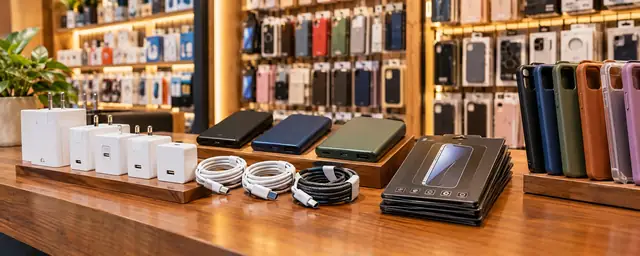
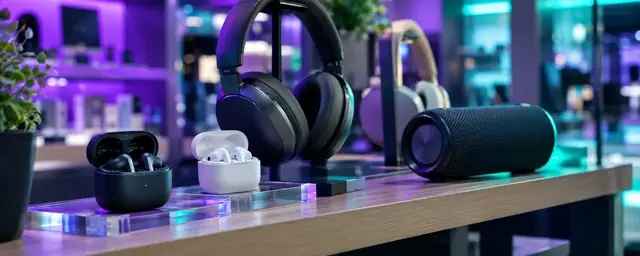
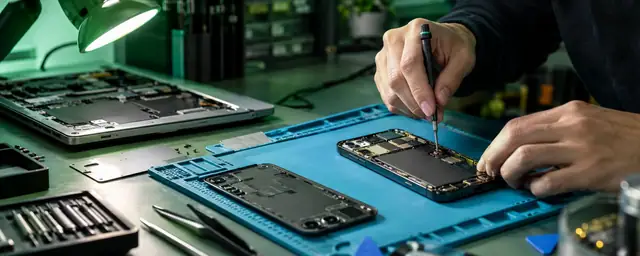
Practical tips from our counter — choose the right CCTV, mobile accessories and PC upgrades. Tap a question to ask the AI assistant.
2MP (1080p) suits general coverage. 4MP–5MP adds detail at entrances and counters. 4K/8MP helps on wide areas where you zoom into recordings, but needs more storage and a capable recorder.
Infrared gives clear black-and-white video in total darkness. Full-colour night cameras use a warm light or very sensitive sensor so you can see clothing colours, which helps at shop entrances and parking.
Cover entrances, cash counters, parking and blind corners. Mount out of easy reach (about 2.5–3 m), avoid pointing at the sun or bright lamps, and keep lenses clean.
A small UPS keeps the recorder and cameras running during power cuts and protects against surges. Ask our team to size it for your system.
Dust, spider webs and loose connectors cause most blurry or missing video. A yearly check, lens cleaning and a hard-disk health check keep a system reliable.
Change default passwords, keep recorder firmware updated and never share your app QR code. Use a strong, unique password for the mobile app.
Fast charging needs three things to match: charger wattage, a cable that supports it, and a phone that accepts the protocol (USB PD/PPS or brand-specific). A 65W charger will not charge a phone faster than the phone allows.
Avoid charging under pillows or in hot places. Keeping charge between about 20% and 80% when convenient and using a certified charger helps battery health.
For a desktop PC, a Wi-Fi 5 or Wi-Fi 6 USB adapter in a USB 3.0 port gives the best speed. Pen drives and external disks also run much faster on USB 3.0 ports.
Clean vents and fans of dust to prevent heating, use a hard flat surface, and keep important files in two places (for example PC plus an external disk or cloud).
 5.0 on Google
We visit or review your site, suggest camera positions, and handle everything from cabling to mobile app setup so you can watch live from anywhere.
After installation we show you how to view live, play back recordings and download clips, and we stay available for service and AMC.
Tell us the place, city and number of areas — we reply with a plan and quote.
Smart placement matters as much as camera quality.
| Place | Best Camera | Tip |
|---|---|---|
| Main gate / entrance | Bullet or ColorVu | Face the entry at face height and avoid direct sunlight |
| Parking / driveway | Bullet, long range | Cover number plates and approach path |
| Shop counter / cash area | Dome | Capture both customer and staff side |
| Staircase / corridor | Dome | Wide angle to cover the full length |
| Backyard / side lane | Bullet with night vision | Add a light or choose full-colour night vision |
| Inside rooms (home) | Wi-Fi camera | Use only in common areas and respect privacy |
Simple habits that keep your system reliable and legal.
Gate, shutters, back doors and cash areas matter most.
Never point cameras at washrooms, changing rooms or neighbours’ homes.
A good adaptor or UPS protects cameras and the DVR from voltage cuts.
Set a strong password and enable remote view only for trusted people.
A “CCTV in operation” board improves safety and clarity.
Test playback and hard disk health every month, or take an AMC.
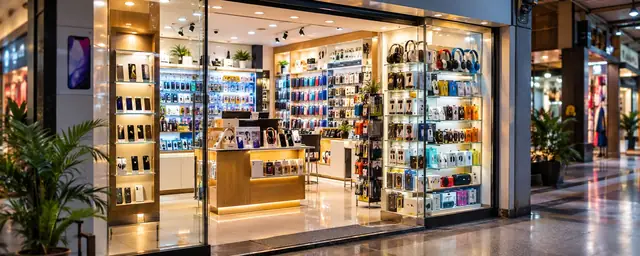
Every category has its own page with products, guides and quick enquiry.