
 Shree
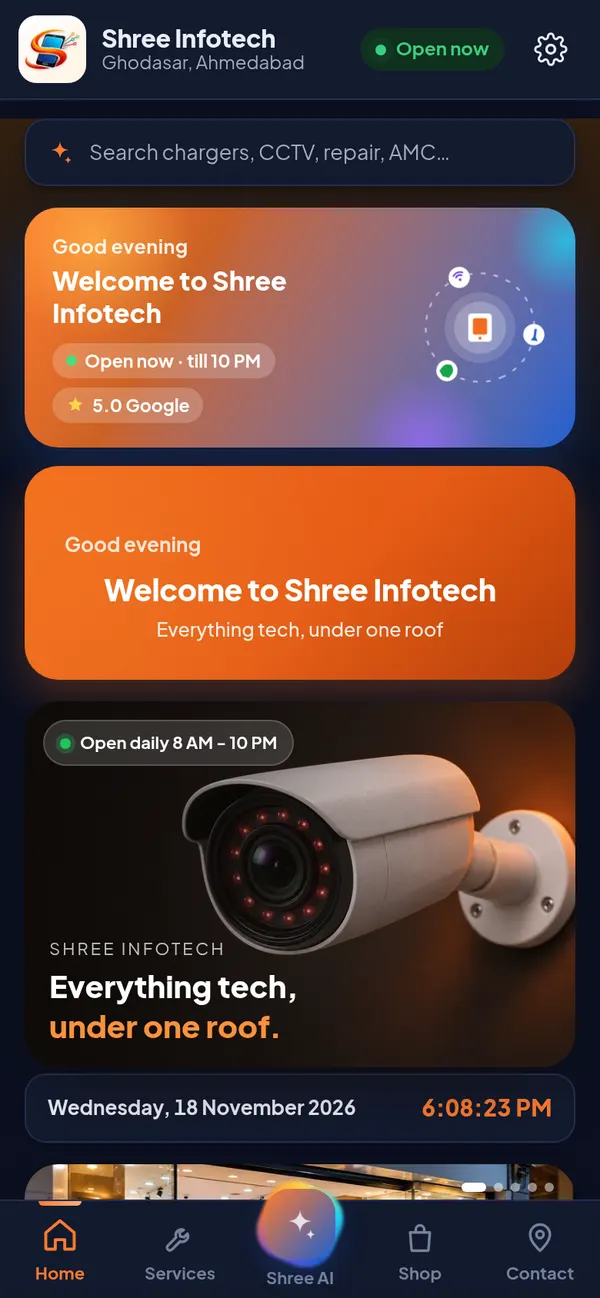
Everything tech, under one roof.
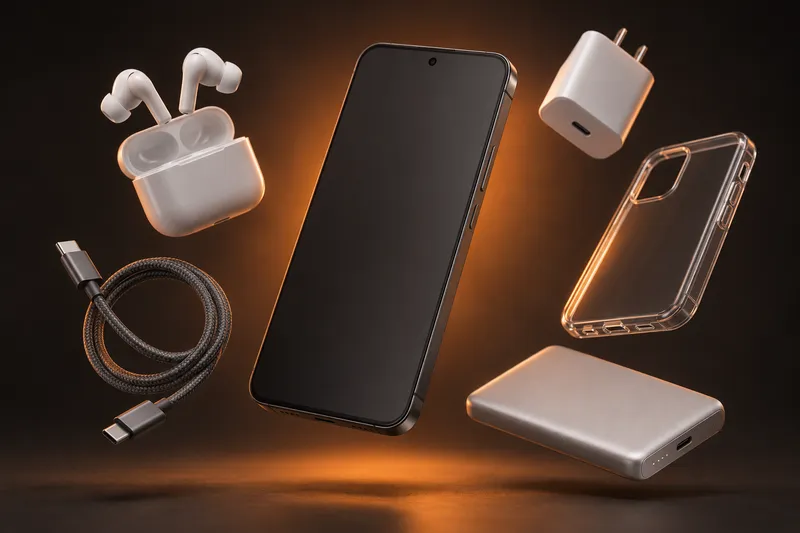
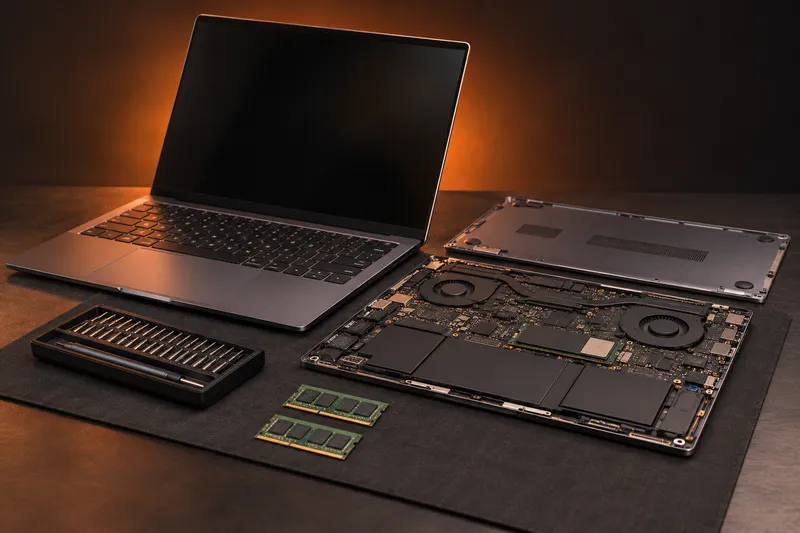
Mobile accessories, computer hardware, audio, phone and laptop repair, and CCTV installation all over Gujarat. Honest advice, products tested in front of you, and the price before any work.
Shop No.3, Shyamal Shopping Center, Ghodasar, Ahmedabad
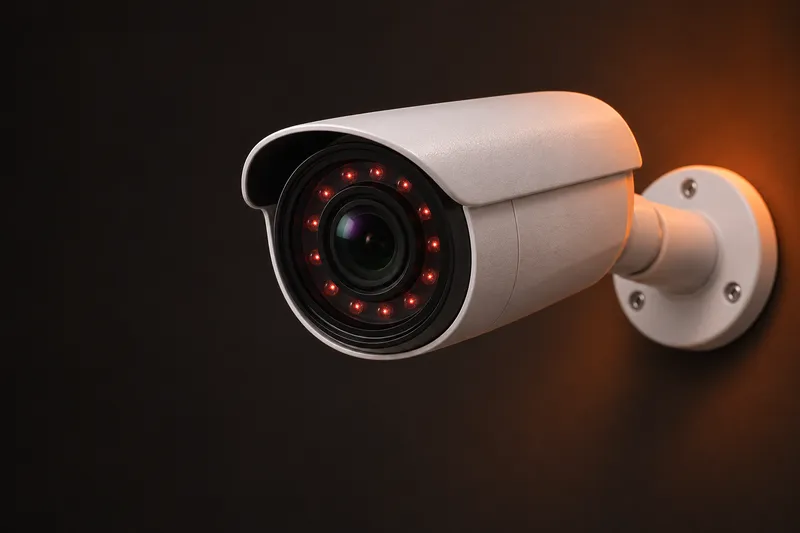
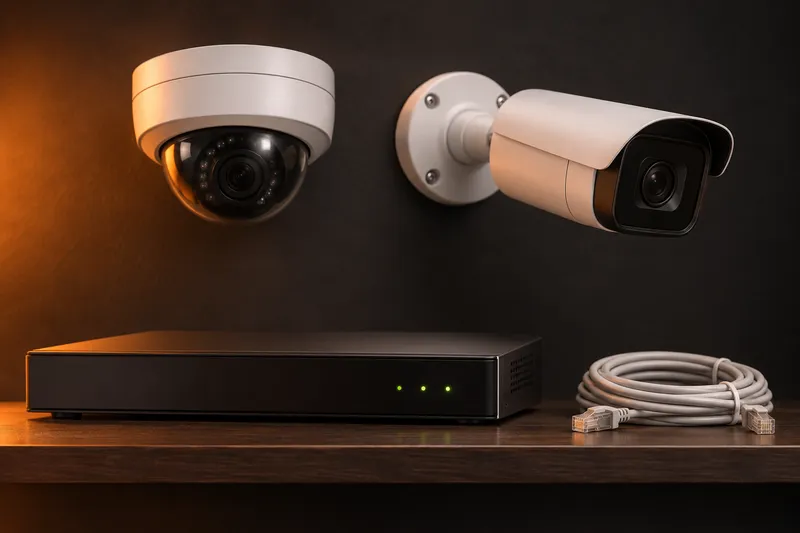
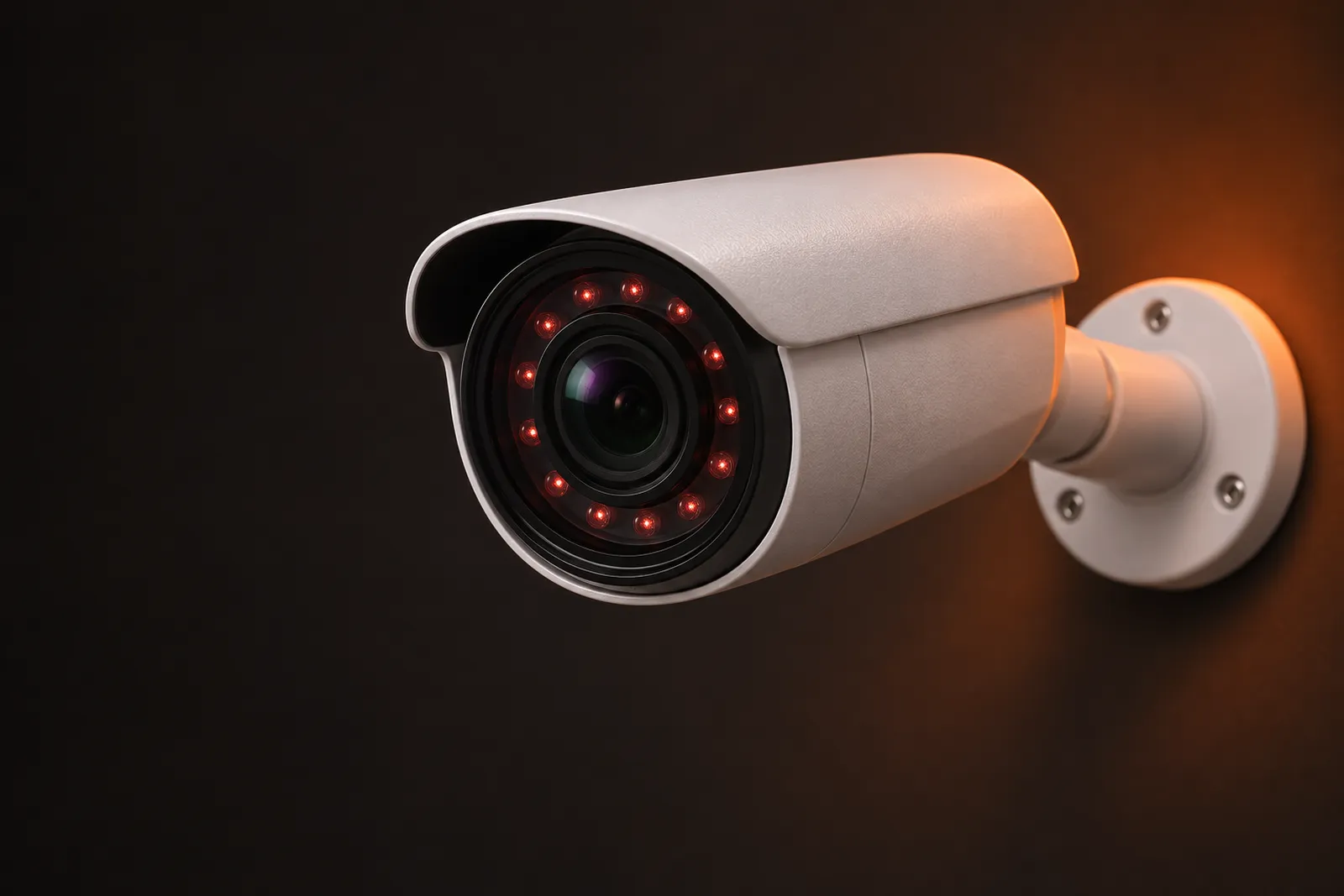
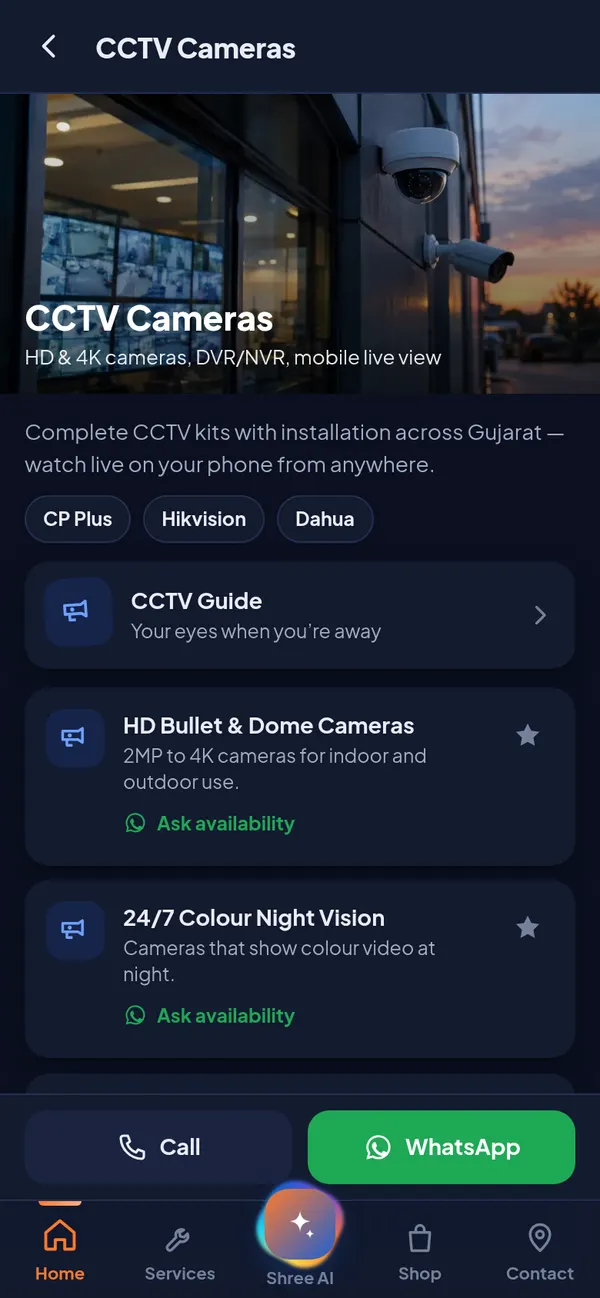
Your eyes when you're away.
HD and 4K cameras from CP Plus, Hikvision and Dahua, installed neatly anywhere in Gujarat, and live on your phone from the first day.
Every DVR & NVR, live in one app.
Type only the recorder username and password. The Shree Infotech app finds your DVR / NVR on your Wi-Fi, detects the brand, ports and cameras by itself and shows them live. Get motion alerts, play back recordings and save any part as a video with sound.
- 1Username & passwordThat is all you type. The IP address is optional, the app searches your Wi-Fi.
- 2Auto-detect & liveBrand, web and video ports and the number of cameras are found automatically. Live view opens straight away.
- 3Motion, playback & saveMotion alerts, playback by date and time, and save a clip (from - to) or record live, with audio.
Works on Android 7.0+ and Windows 10 / 11 (same My CCTV in both apps, version 8.6.0). Your recorder password stays encrypted on your own device.
Which DVR and NVR brands work?
Hikvision, Prama, HiLook, CP Plus, Dahua, Imou, Uniview, XMEye / generic DVRs, TVT and any ONVIF camera or recorder. You can also type a custom RTSP link for any other brand.
How do I add my DVR / NVR?
Open CCTV in the app, tap Add a DVR / NVR and type the recorder username and password, then tap Connect. The app searches your Wi-Fi, finds the recorder, detects its brand, ports and cameras, saves it and opens live view. If you know the IP address you can type it to make it faster.
Can I watch and save recordings?
Yes. Pick a camera, choose the date and time and the app plays the recording from the DVR / NVR hard disk. Tap Save a video clip, choose from and to, and it is saved on your phone or PC as an MP4 with audio. Playback works with Hikvision, CP Plus / Dahua and Uniview recorders.
Can I watch my cameras from outside home?
On the same Wi-Fi it works straight away. To watch from anywhere, the recorder needs a static IP or DDNS with port forwarding - Shree Infotech can set this up for you during installation or AMC visits.
Is my CCTV password safe?
The password stays only on your phone or PC, saved encrypted. The app talks directly to your own recorder and never sends your video or password to our website.
The whole shop, in your pocket.
- 01
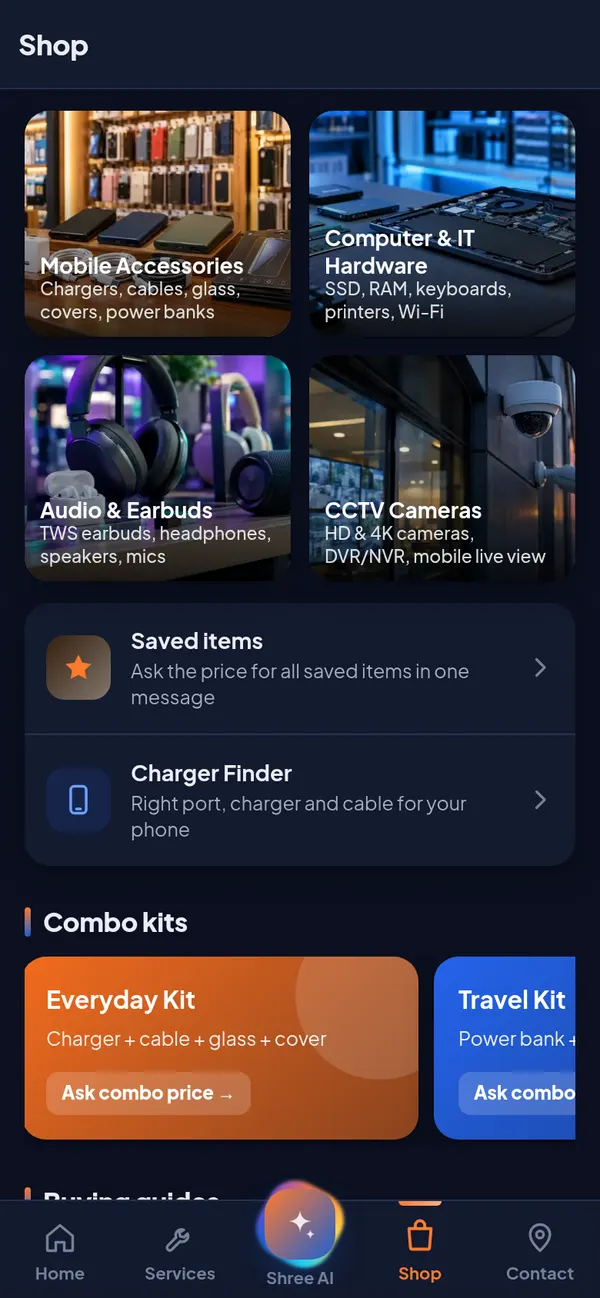
Browse every product
Chargers, earbuds, SSDs and CCTV kits by category. Save what you like and ask the price for all of it in one WhatsApp message.
- 02
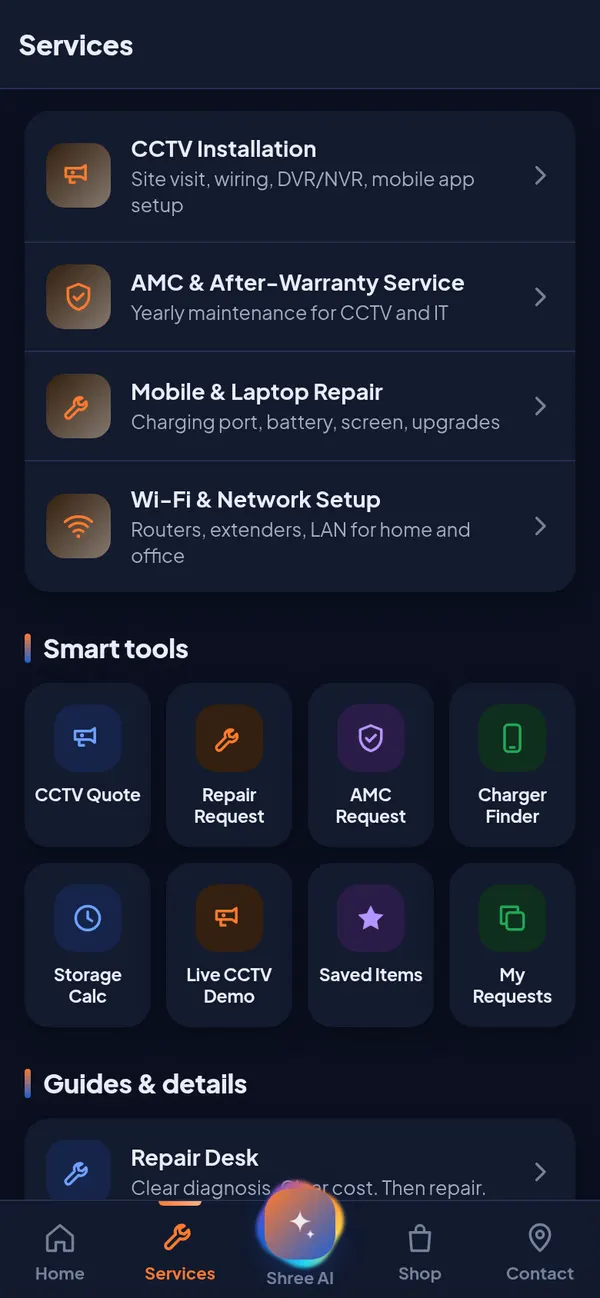
Book a repair or AMC visit
Phone, laptop and CCTV service requests with history, so you always know what was fixed and when.
- 03
Watch & plan your CCTV
New: scan the QR code on your DVR / NVR to see every camera live and play recordings. Or plan a new kit and send it to us for a quote.
- 04
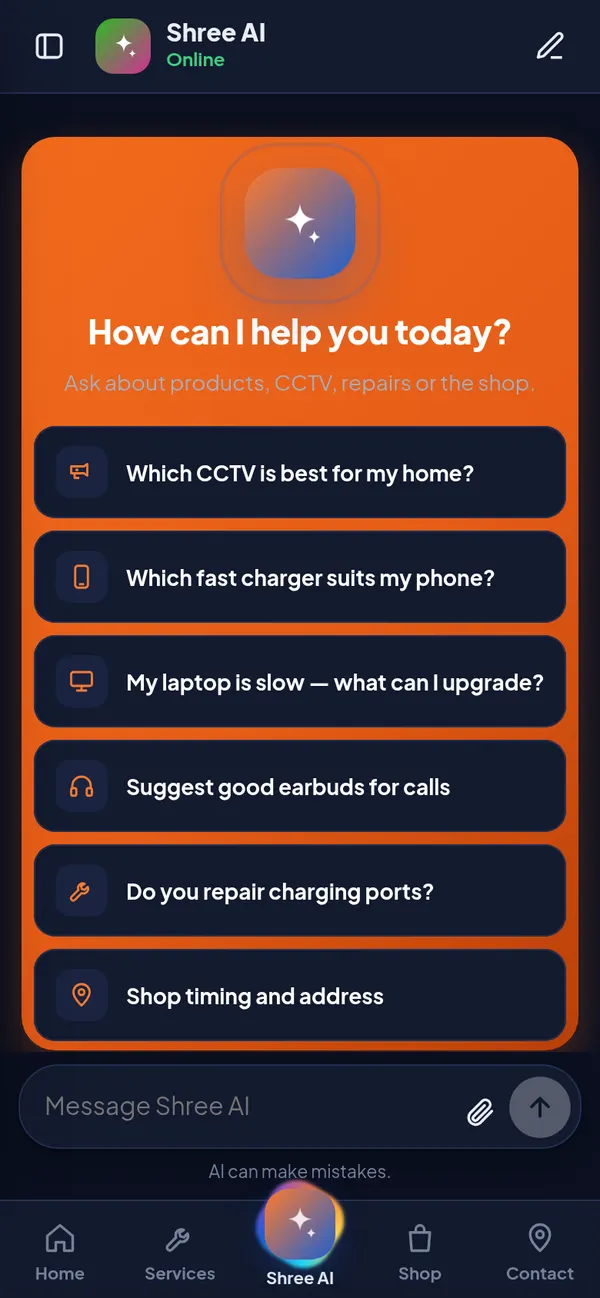
Ask Shree AI
Questions about chargers, cameras or slow laptops, answered in English, ગુજરાતી or हिन्दी.
- 05
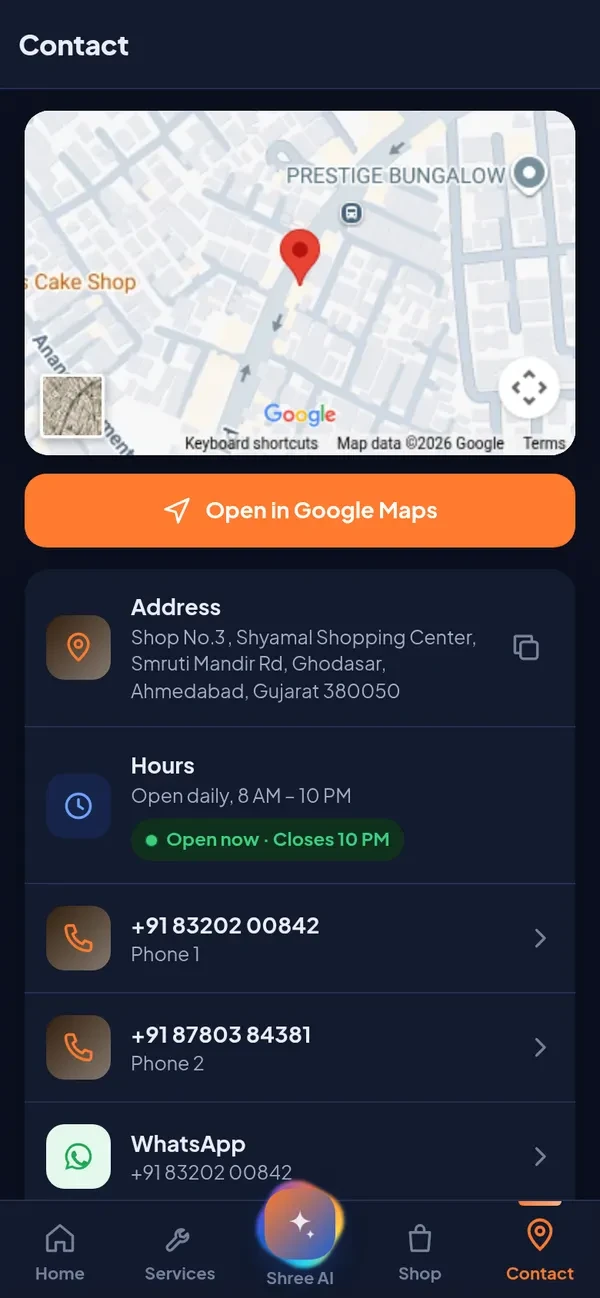
Call, chat or find us
One tap for directions, calls and WhatsApp. Works offline, no ads and no login.
Six counters. One trusted shop.
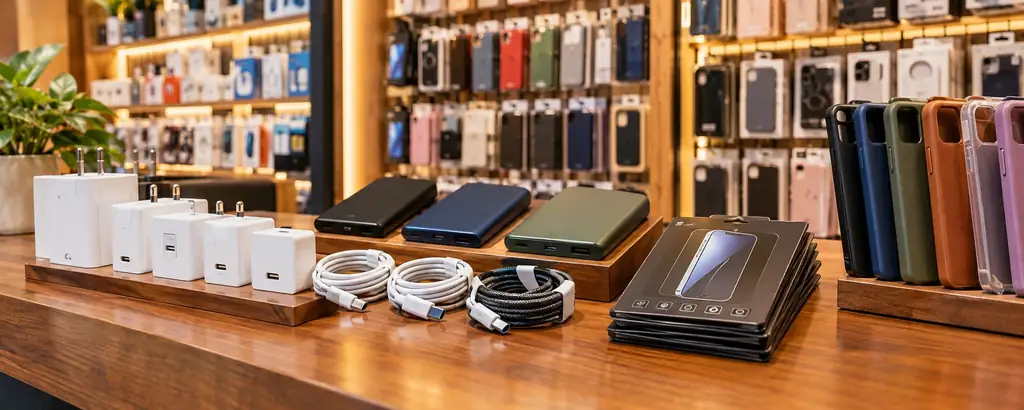
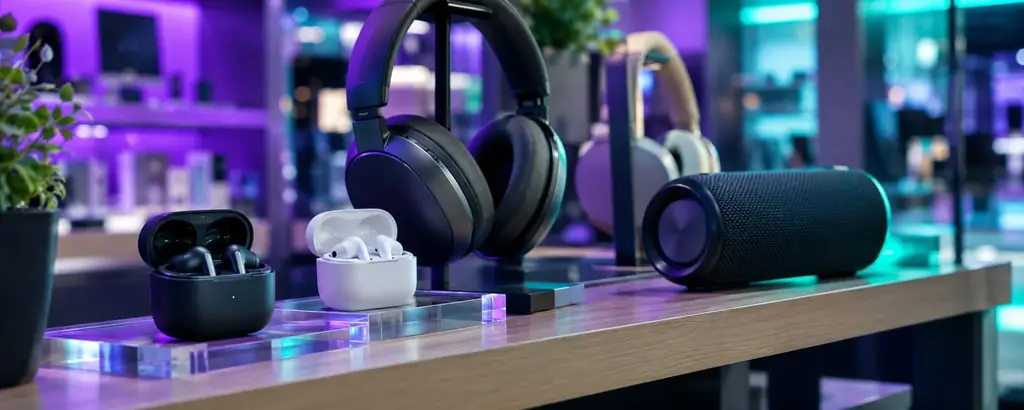
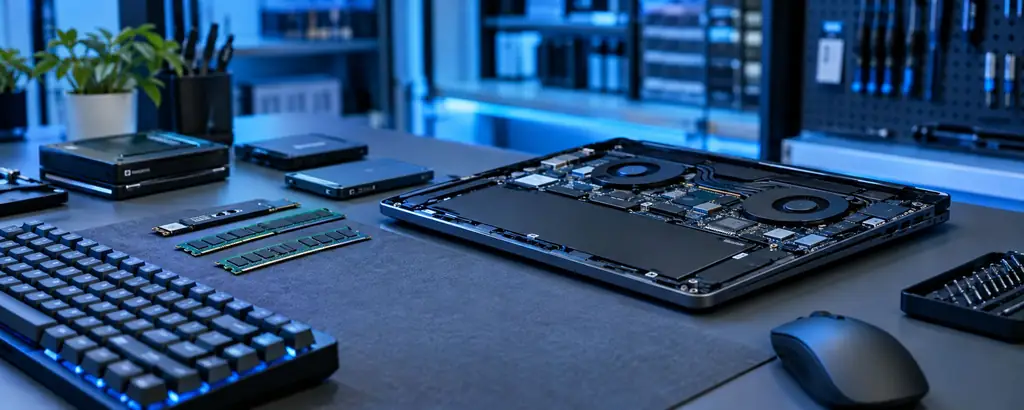
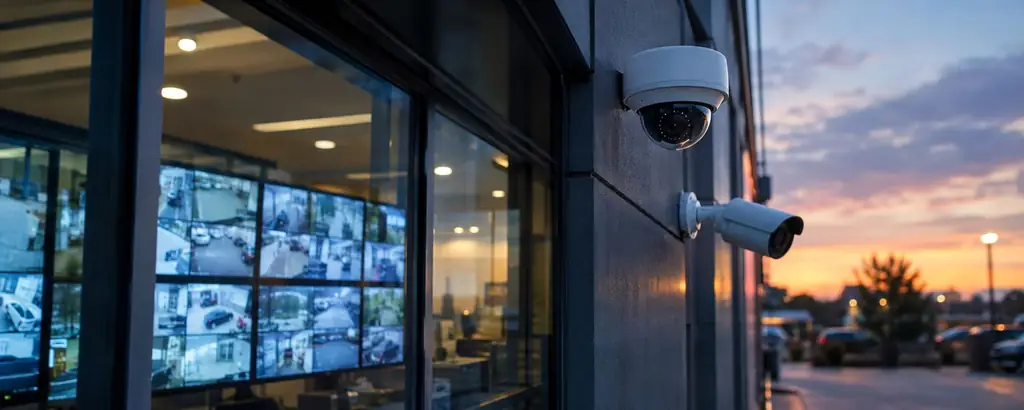
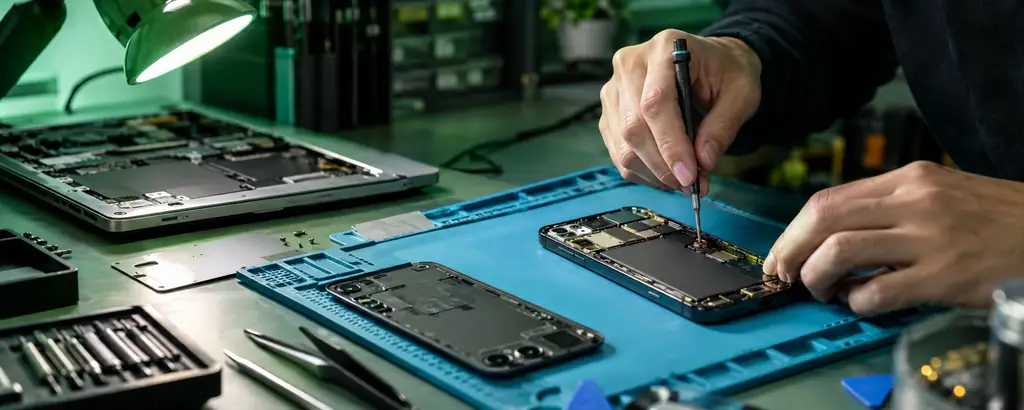
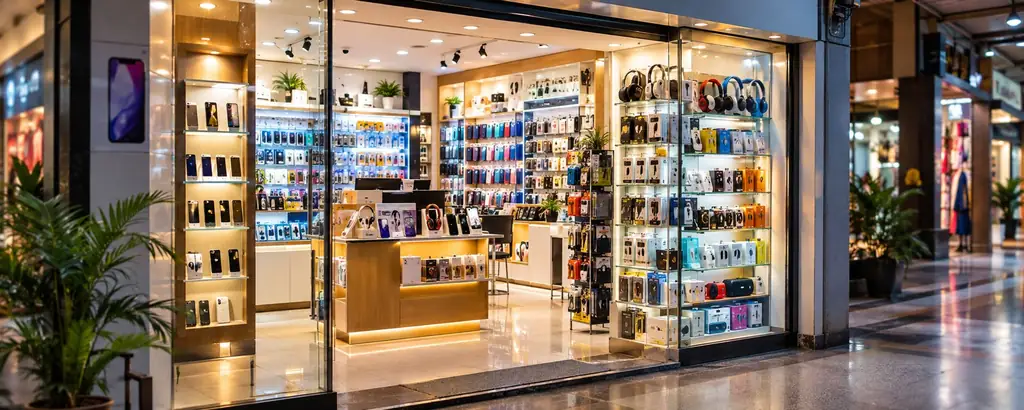
01 / 08 · Mobile accessories
Scroll to turn
One counter. Every fix.
We check the device in front of you, tell you the cost first, and test everything together before you leave.
- CheckFree diagnosis at the counter
- Quote firstFull price before any work starts
- Fix & testTested in front of you
Rated 5.0 by Ghodasar.
- Google rating
- 5.0/5
- Open every week
- 7 days
- Daily hours
- 14 hrs
Got my phone screen replaced the same day. Price was told upfront and they tested everything in front of me. Very honest people.
We bought a full CCTV setup for our shop. Neat installation, mobile view working perfectly, and good after-support. Highly recommended.
Best shop for mobile accessories. Genuine charger and earbuds at a fair price, and they explain which one suits your phone.
My old laptop was very slow. They suggested an SSD upgrade, told the full cost before starting, and delivered on time. Trusted shop.
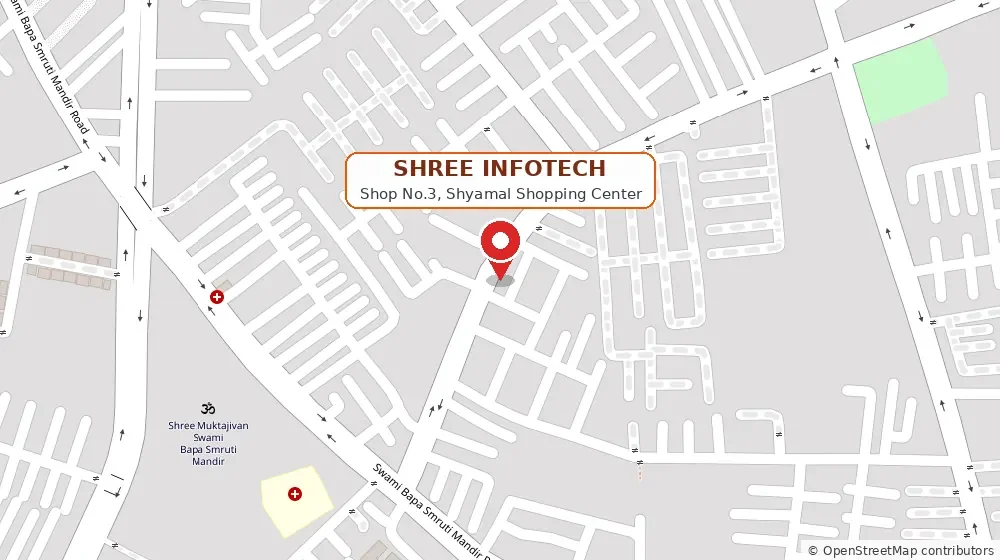
Come say kem cho.
- Address
- Shop No.3, Shyamal Shopping Center, Smruti Mandir Rd, Ghodasar, Ahmedabad 380050
- Hours
- Every day, 8 AM – 10 PM Open daily
- Call or WhatsApp
- +91 83202 00842 (main) · +91 87803 84381
- We speak
- Gujarati, Hindi and English · Cash, UPI and card